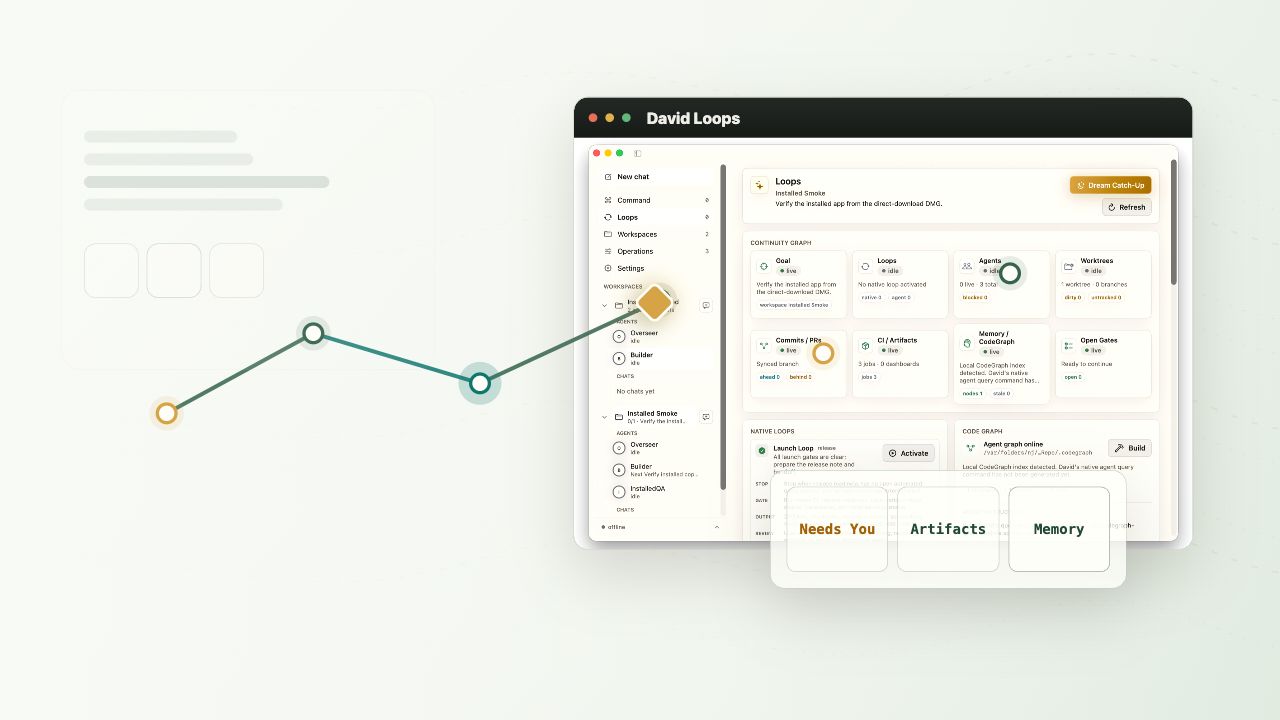
Goal
Describe what you want shipped. David turns the goal into a guided path with a real stop condition.
 Davidthe Shepherd
Get early access
Davidthe Shepherd
Get early access
David the Shepherd for loop engineering
Give David a goal. He gathers the plan, guides the workers, guards the approvals, and keeps every loop moving until the work is done.
Loop engineering
Prompting asks an agent what to do next. Loop engineering designs the system that keeps the agent moving: the goal, trigger, worker role, tool boundary, memory, validation, budget, and stop condition.
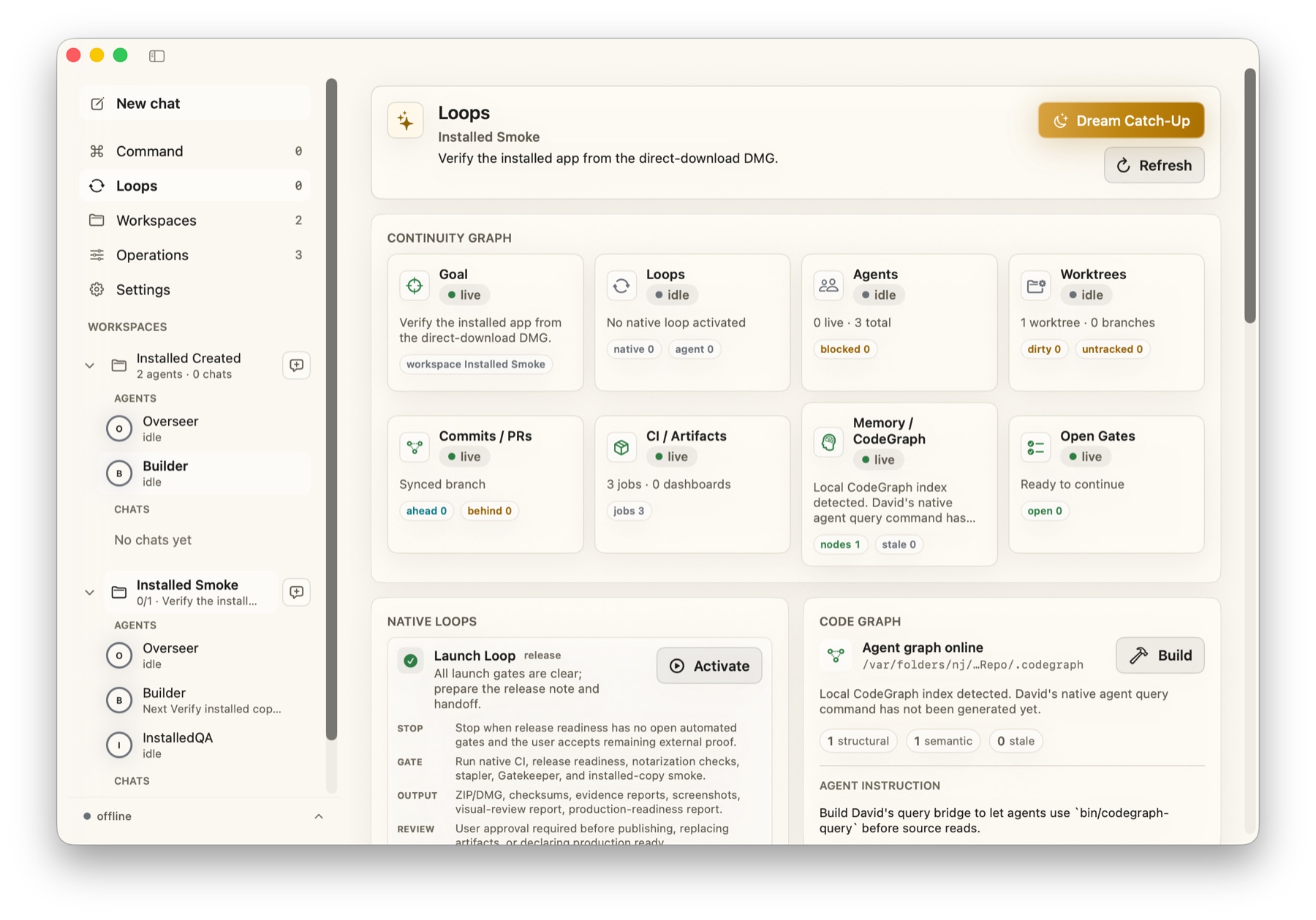
David the Shepherd makes that loop visible and governable on your Mac. You can launch a loop, watch the continuity graph, inspect open gates, and approve consequential moves before they happen.
How David thinks
Describe what you want shipped. David turns the goal into a guided path with a real stop condition.
David creates worker responsibilities, loop contracts, and verification gates before work begins.
Workers use your existing Claude Code or Codex setup while David keeps memory, context, and progress local.
Loops record evidence, surface blockers, and route risky decisions to Needs You before workers wander off path.
Built to keep context together
Goal, agents, worktrees, PRs, CI, memory, and Needs You gates remain in one visible path, so David feels like a shepherd instead of another prompt window.
The Mac app
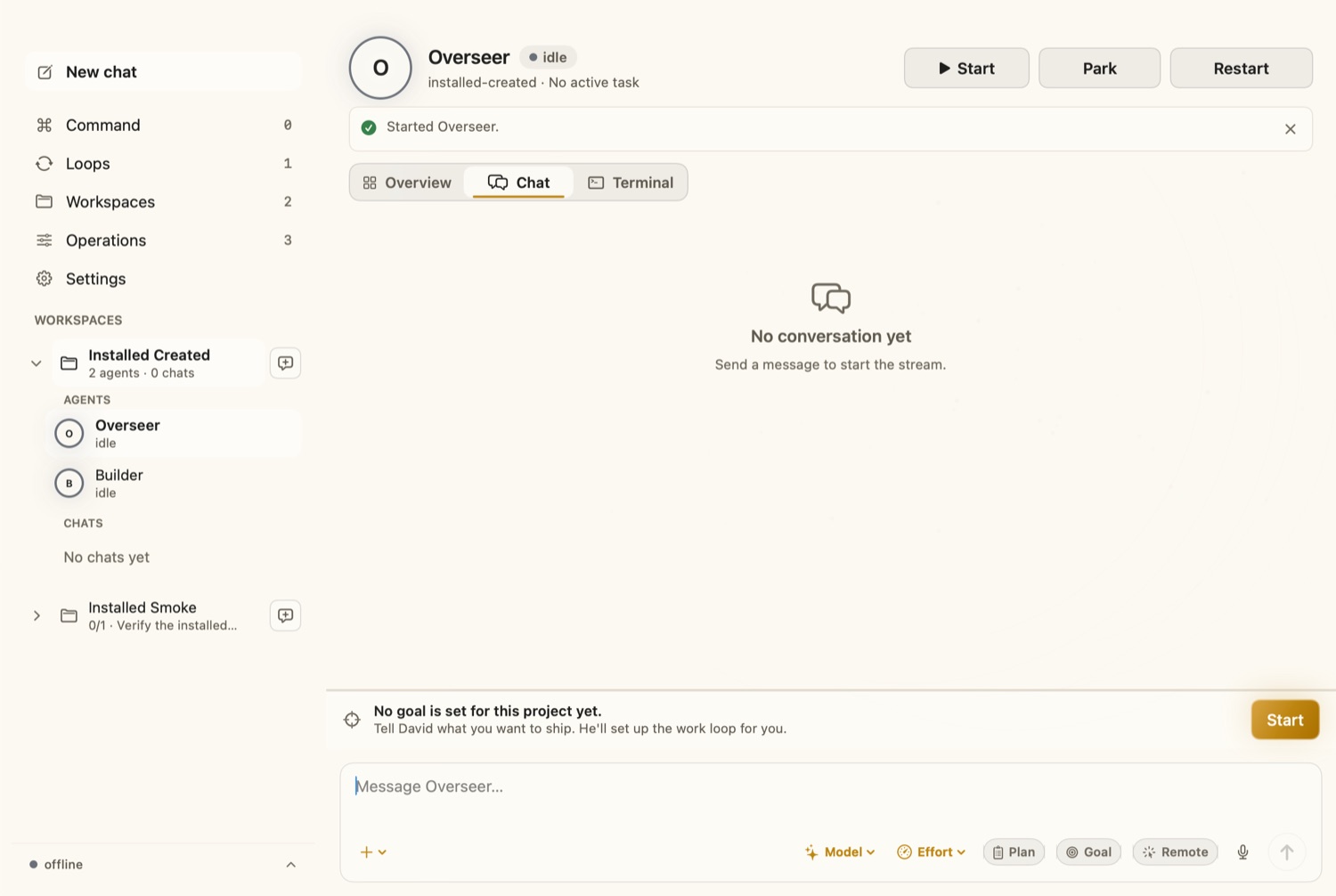
David is not another chat box. He is the place where goals, workers, loops, worktrees, commits, artifacts, memory, and open gates stay connected.
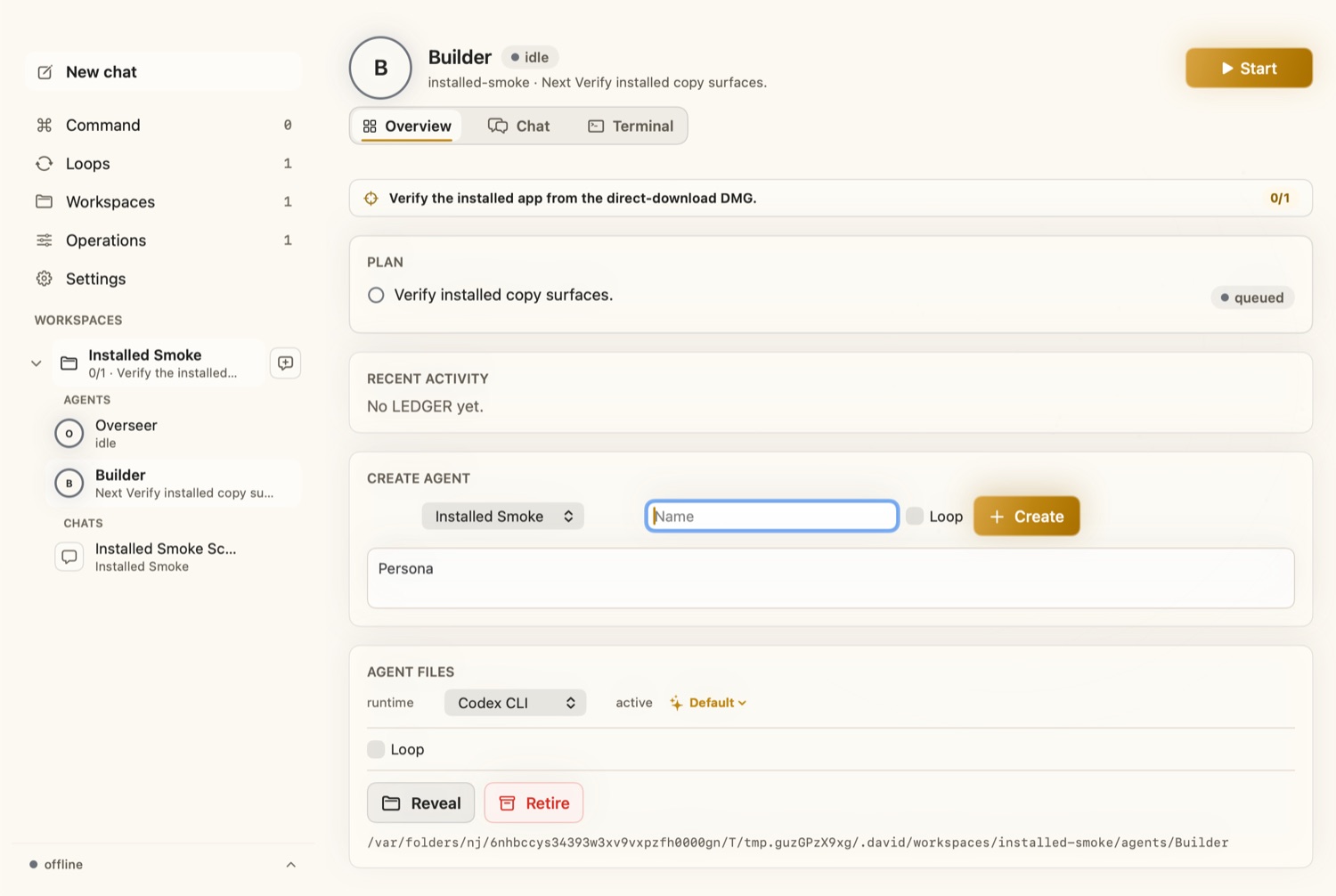
Why it matters
David keeps the goal, plan, worker roles, and next step visible so a loop does not drift into busywork.
Consequential decisions move into Needs You, so workers can continue without pretending every action is safe.
Workers can sleep, resume, write checkpoints, and keep durable memory instead of losing progress between sessions.
Goal, plan, workers, Needs You, done. Advanced agent machinery stays available without becoming the product.
Questions people ask
Plain English
Loop engineering means designing the repeated system around an AI agent: goal, context, action, observation, verification, memory, budget, and stop condition. The loop prompts the agent so you do not have to babysit every turn.
Because the product job is not to be another raw agent. David guides the workers, keeps them together around the goal, guards risky decisions, and brings progress back into one understandable place.
David the Shepherd is a native Mac control room for AI workers. It manages projects, worker roles, loop contracts, checkpoints, approvals, jobs, memory, and local runtime state around your existing model tools.
The current David the Shepherd app is a closed-source direct-download Mac product. The older VS Code extension repo is not the product website or the distribution model for the native app.
David the Shepherd is for students, beginner builders, and Mac users who want useful outcomes without learning terminal, Git, IDE, or provider machinery first. Developers can still use the advanced surfaces.
David the Shepherd is the orchestration app. Early builds use your existing Claude Code or Codex setup for model execution.
Early access
David the Shepherd is in direct-download Mac release-candidate testing. Join the early access list for the first closed beta and domain launch.